Retake AI app iconRetake AIContact

AI face and photo editor

Retake AI app iconGoogle Play photography app

Every shot gets another chance.

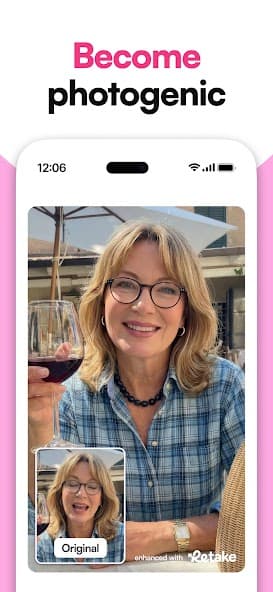
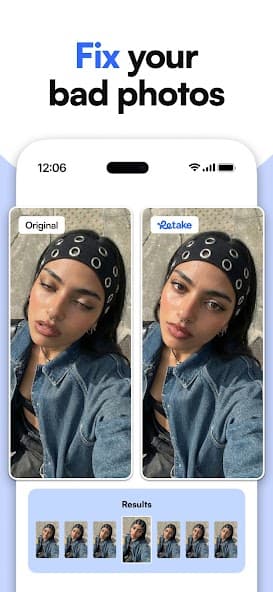
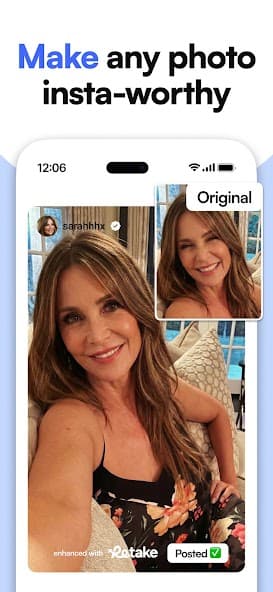
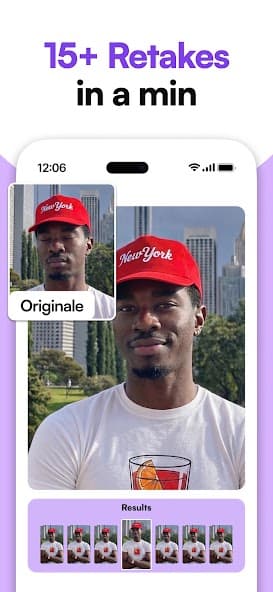
Retake AI app screen showing retouch controlsRetake AI app screen showing selfie editingRetake AI app screen showing AI retake previewRetake AI app screen showing photo generation styles
Retake AI selfie retouch previewRetake AI portrait editing screenRetake AI final photo choices
Retake AI app screen showing photo generation stylesRetake AI app screen showing a gallery of face editsRetake AI app screen showing face and photo enhancementRetake AI app screen showing final image choices

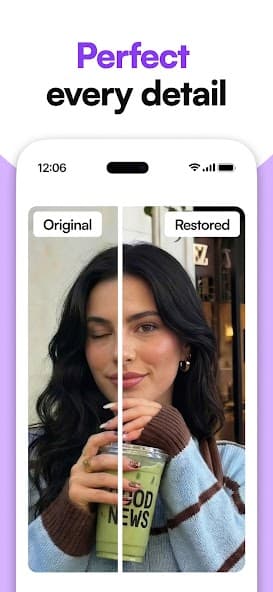
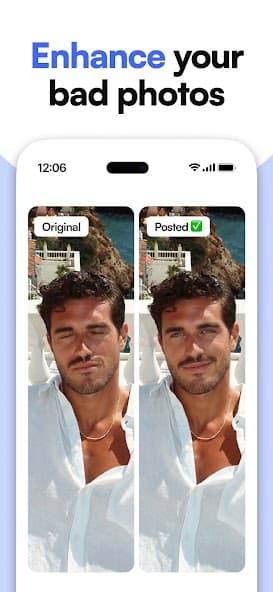
Retake AI turns everyday selfies and portraits into polished alternatives with personalized AI retakes, face cleanup, and a gallery-first editing flow.

Preview the shot grid

Retake Loop

Three passes from rough selfie to stronger frame.

01

Feed the model

Start with a compact set of favorite photos so the app can understand your face from useful angles and lighting.

02

Shape the retake

Use AI-assisted face, photo, and retouch tools to clean up the frame, refine the look, and explore fresh versions.

03

Pick the keeper

Compare outputs like a contact sheet, save the strongest version, and keep a clear path back to support if needed.

Shot Grid

A visual wall for comparing what changed.

Retake works best when the page feels like a review table: original ideas on one side, edited candidates on the other, and the download decision kept obvious.

Retake AI app screen showing AI photo options
01Portrait polish
Retake AI app screen showing retouch controls
02Face retouch
Retake AI app screen showing selfie editing
03Selfie cleanup
Retake AI app screen showing AI retake preview
04New take
Retake AI app screen showing photo generation styles
05Style board
Retake AI app screen showing a gallery of face edits
06Gallery pass
Retake AI app screen showing face and photo enhancement
07Enhancement
Retake AI app screen showing final image choices
08Final picks

Proof Notes

Clear expectations before the download tap.

The landing page keeps the fun visible while also giving visitors practical support details: how AI photo results vary, where billing lives, and how to reach a human inbox.

01

AI photo outputs may vary by input quality, lighting, pose, and selected style.

02

Purchases are processed by Google Play; billing questions should include the Google order ID.

03

Deletion and privacy requests can be sent to the support inbox listed across this site.

04

Generated images should be reviewed before posting, especially when used as profile or professional photos.

Help Desk

One contact path, plus the basics visitors look for.

Ready to find the better take?